eDEX-UI Is Archived. What Now for Sci-Fi Terminal Setups?
A lot of developers still want what eDEX-UI made feel possible: a terminal workspace that looks alive, feels spatial, and gives the machine some visible state. MatrixShader takes a narrower path. It does not replace your terminal. It makes real terminal windows visually distinct with GPU-powered shaders, layouts, hotkeys, and live tuning.
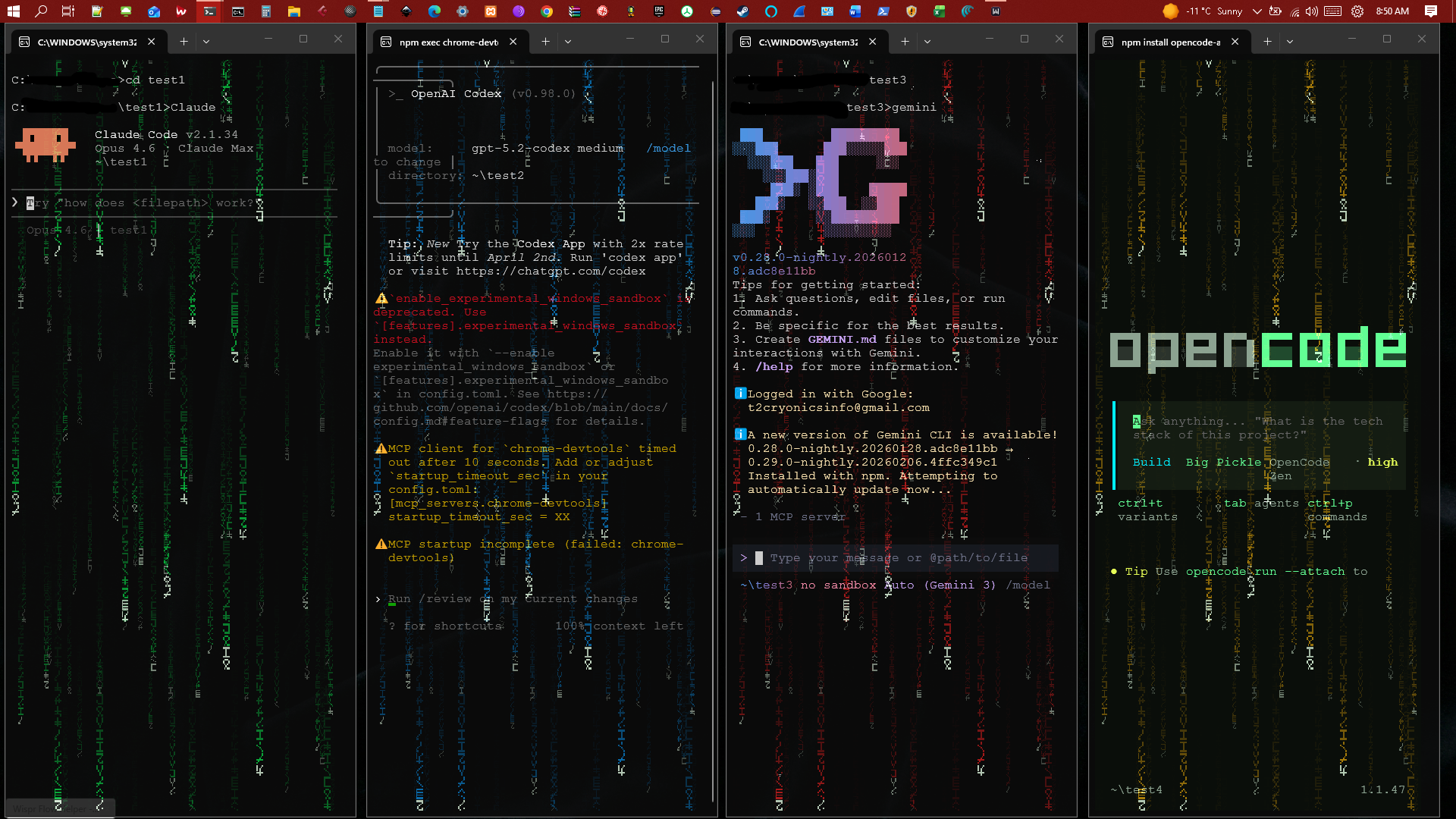
MatrixShader keeps the workflow in real terminal windows, then adds visual identity and layout control.
What eDEX-UI Got Right
eDEX-UI was not just popular because it looked cinematic. It exposed a real desire: terminal users want richer spatial context than a stack of identical dark rectangles.
- Terminal sessions should be easy to tell apart at a glance.
- Visual state can reduce cognitive load before you read a tab title.
- A terminal can be functional and still feel like an intentional workspace.
- For agent-heavy development, the visual layer matters more, not less.
The Focused Path
MatrixShader is not a full desktop shell, system monitor, or touchscreen command center. That is deliberate. The highest-value slice is the part that fits daily development: live terminal identity inside the tools people already use.
On Windows, MatrixShader works with Windows Terminal and HLSL pixel shaders. On Linux, MatrixShader ships Ghostty/GLSL support. It gives terminal windows shader/color identity, multi-window layouts, global hotkeys, and a Redpill TUI for live parameter control.
Why This Matters Now
AI-agent workflows make the old terminal problem louder. One window is running a model. One is tailing logs. One is serving the app. One is running tests. Another is attached to production. They all look nearly identical until you stop and inspect them.
MatrixShader turns that into a visual workspace problem: each session can have its own color identity and position. The terminal stays the terminal. The extra layer is visual orientation.
What It Does Not Replace
If you want a full eDEX-style dashboard with built-in system panels, MatrixShader is not trying to be that. It is closer to a terminal-native visual layer for people who already know what shell, editor, multiplexer, and agent tools they want.
Try It
Windows install:
irm https://matrixshader.com/install.ps1 | iex
Linux/Ghostty install:
curl -sL https://matrixshader.com/linux | bash
Source and releases are on GitHub. Shader ideas are open in GitHub Discussions.